
Appearance
Inventory
How to Use the Inventory Feature
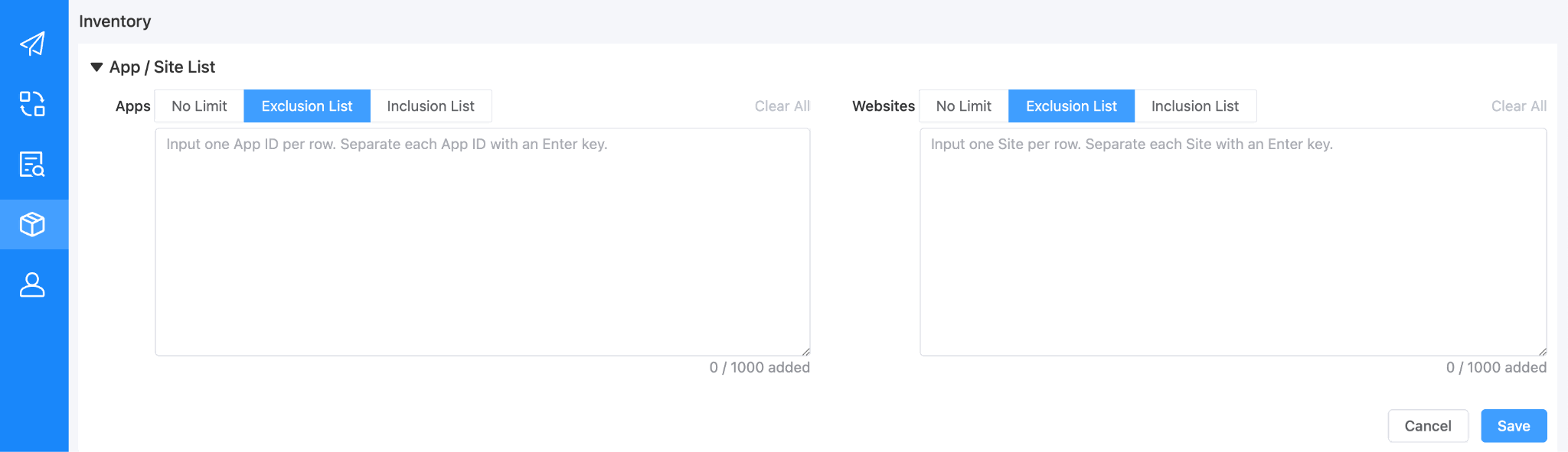
The inventory feature allows you to seamlessly whitelist or blacklist specific apps and websites according to your campaign needs. Please note that the default setting is configured to “No Limit”.
Instructions:
- Input the required App IDs or website URLs directly into the designated blank area. Based on the specific settings you choose, the system will automatically include or exclude these apps and websites while delivering your campaign.
Note: Web and App targeting selections share an OR relationship with one another. However, they maintain an AND relationship with all other pre-targeting configurations you have set.